

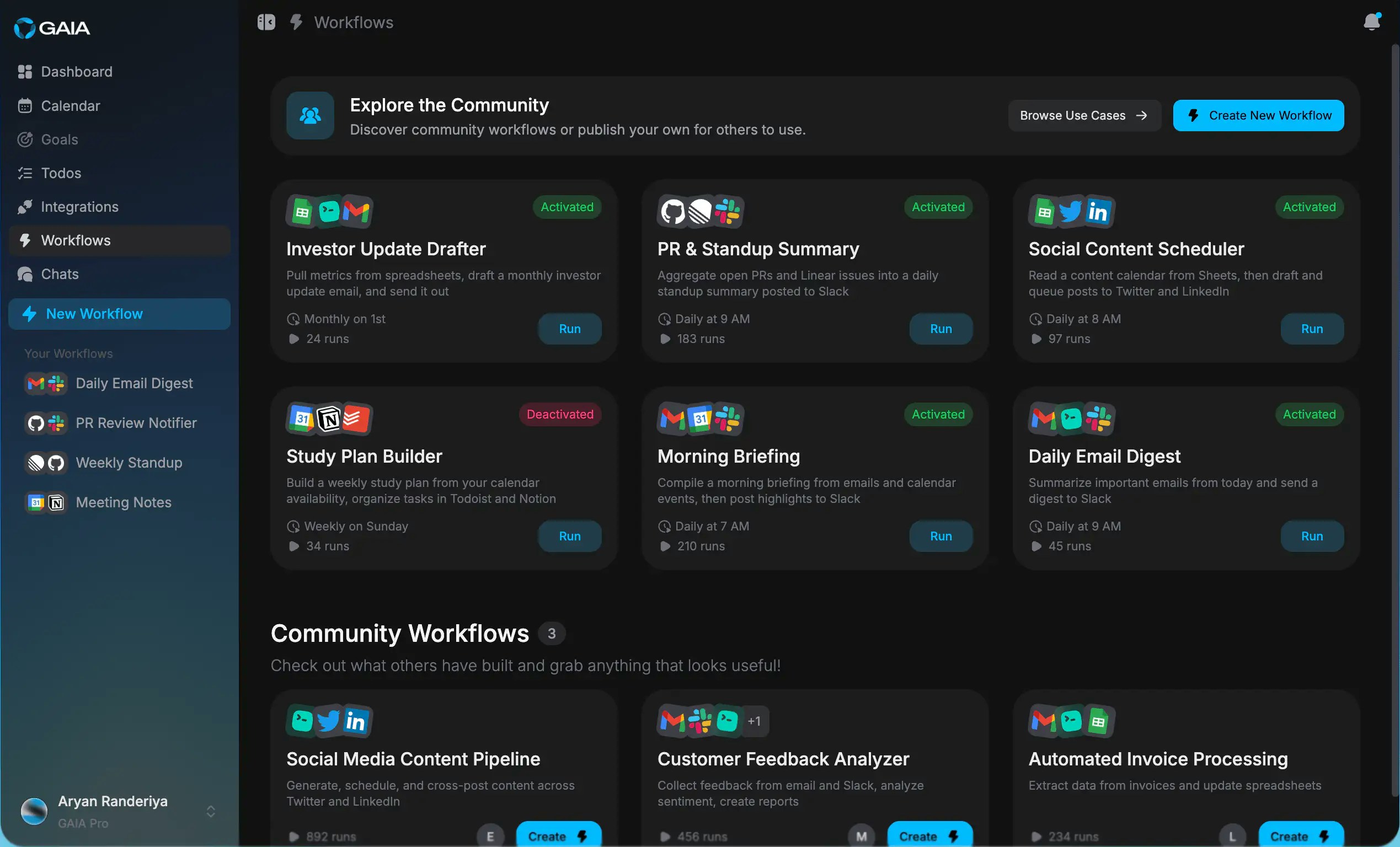
What are workflows?
Workflows are sequences of steps that run automatically when something happens. You describe what you want in plain language, and GAIA figures out the steps. For example: “When a GitHub issue is labeled ‘urgent’, create a task in Todoist and send me a Slack message.” That’s a workflow. You write it like that, and GAIA handles the rest. Each workflow has two parts: a trigger (what starts it) and actions (what happens next). You can chain as many actions together as you need.Trigger types

Manual
Run the workflow yourself, on demand. Useful for tasks you do regularly but
not on a fixed schedule — like generating a report before a meeting.
Scheduled
Runs automatically on a cron schedule. Every Monday at 9am. Last day of the
month. Every 30 minutes. If you can express it as a schedule, GAIA can run
it.
Integration
Triggered by an event in a connected app — a new email, a merged PR, a
calendar event starting. GAIA watches for the event and fires the workflow
when it happens.
Supported integration triggers
These are the apps you can use as triggers today:- Google Calendar
- Gmail
- Notion
- Google Sheets
- GitHub
- Linear
- Slack
- Todoist
- Asana
- Google Docs
You need to connect an app before you can use it as a trigger. Go to
Integrations in your settings to authorize each one.
Examples
Here are a few things you can build: Bug triage When a new GitHub issue is labeledurgent, create a task in Todoist with the issue title and link, then send a Slack message to #engineering.
Weekly recap
Every Friday at 4pm, pull completed tasks from Asana, summarize them, and add the summary to a Google Doc.
Meeting prep
30 minutes before any Google Calendar event with more than 2 attendees, search Gmail for recent threads with those people and surface a summary.
The marketplace


