

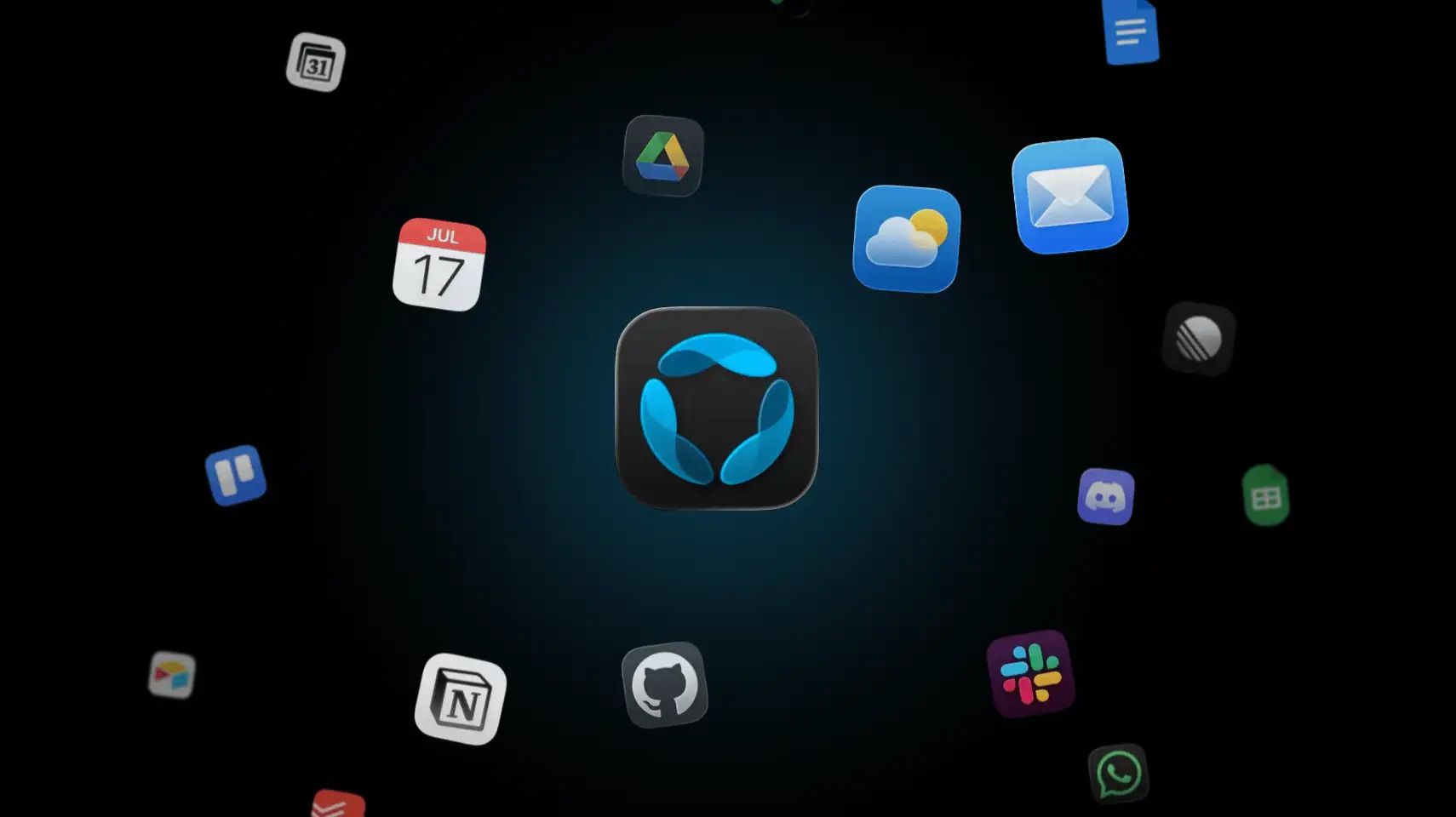
GAIA works across 60+ apps out of the box. Once you connect a tool, GAIA can interact with it directly — drafting emails, creating tasks, scheduling meetings, filing issues — without you having to switch between apps. The more you connect, the more context GAIA has to work with.

Native Integrations

Communication

The most common place GAIA takes action. Connect your email and messaging apps to let GAIA draft replies, summarize threads, and send messages on your behalf.
  • Gmail — read, draft, and send email
  • Slack — send messages, summarize channels
  • Microsoft Teams — send messages and join meetings
  • Google Meet — schedule and manage meetings

Productivity & Tasks

GAIA can manage your calendar, create tasks from conversations, and update documents without you having to open a single app.
  • Google Calendar — schedule, reschedule, find open time
  • Google Tasks — create and complete tasks
  • Google Docs & Sheets — read and write content
  • Notion — update pages and databases
  • Todoist / Asana / Trello / ClickUp — manage tasks across platforms
  • Google Maps — look up locations and travel time

Developer Tools

For developers, GAIA can interact with your project management and code hosting tools.
  • GitHub — create issues, review PRs, check repository activity
  • Linear — create and update issues, track project progress

Social & Business

Monitor and act on social platforms and CRM tools.
  • Twitter / LinkedIn / Reddit / Instagram — read and post content
  • HubSpot — manage contacts and deals
  • Airtable — read and update records
60 integrations are available in total. The full list is visible inside the GAIA app under Settings → Integrations.

Custom Integrations

If the tool you use isn’t in the list, you can build your own integration. GAIA supports custom integrations via API — you define what the integration can do, and GAIA will know when and how to use it.

Build a Custom Integration

Read the developer docs to get started building your own integration.

Marketplace

The marketplace is where users share integrations and workflows they’ve built. If someone has already connected a niche tool you use, you can install their integration in a few clicks instead of building it yourself. You can also publish your own — whether it’s a custom integration, a workflow template, or an automation you’ve set up that others might find useful.

Browse the Marketplace

Find community-built integrations and workflows, or share your own.
Before building a custom integration, check the marketplace first — someone may have already built what you need.