

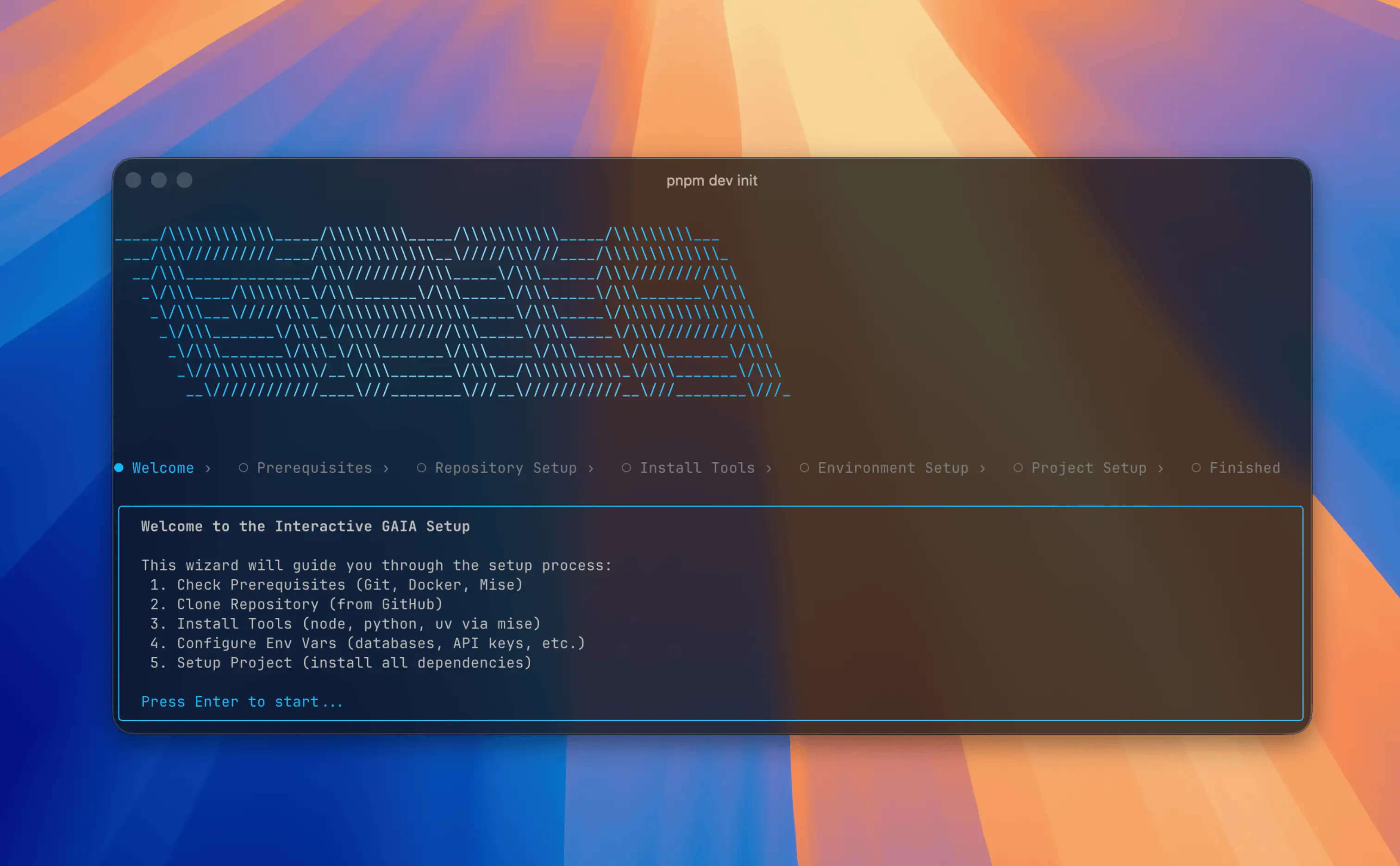
Install the CLI
The GAIA CLI (@heygaia/cli) is a terminal-based tool for setting up, configuring, and managing GAIA instances.
Global installation is recommended to use the gaia command from anywhere in your terminal.
# The quickest way to install globally.
# Automatically detects your system and uses npm or bun.
# Installs Node.js if needed.
curl -fsSL https://heygaia.io/install.sh | sh
Verify Installation
After installation, verify the gaia command is available:
gaia --version
gaia --help
If you get “command not found: gaia”, ensure npm’s global bin directory is in your PATH. See Troubleshooting for details.
Alternative: Run Without Installing
You can run commands directly with npx without global installation, but this requires prefixing every command:
npx @heygaia/cli init
npx @heygaia/cli start
npx @heygaia/cli status
Using npx means you can’t use the shorter gaia command. We recommend installing globally for the best experience.
Requirements
- macOS or Linux (Windows via WSL2)
- Docker installed and running
- Git installed
The CLI will check for these prerequisites and guide you through installing anything missing.
Upgrading
Updating GAIA
Pull the latest changes from your GAIA repo directory:
cd /path/to/gaia
git pull
If the update includes dependency changes, run gaia setup afterwards to apply them.
Updating the CLI
Reinstall globally using whichever package manager you used originally:
npm install -g @heygaia/cli
Uninstalling
To fully remove GAIA from your machine:
1. Stop all running services:
2. Delete the GAIA repository directory:
3. Remove CLI metadata:
4. Uninstall the CLI:
npm uninstall -g @heygaia/cli
Next Steps