

Add a server
- Start the MCP server over HTTP (streamable HTTP or SSE) and note its URL, such as
http://localhost:8931/mcp. - On the integrations page, click Add MCP server.
- Enter a Name and the Server URL, then click Create. If it needs a key, paste it under API Key / Bearer Token.
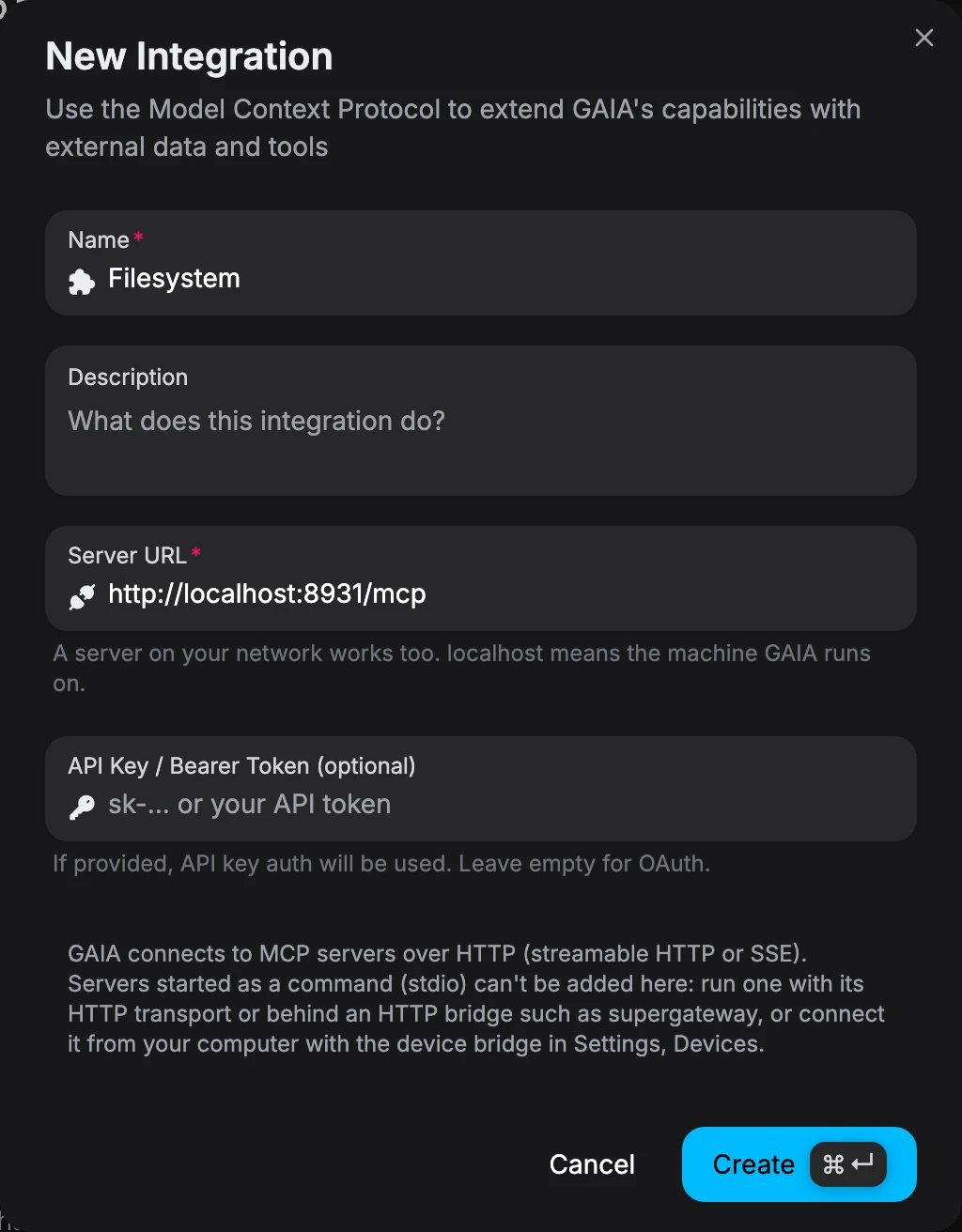
The New Integration dialog, filled in for a server on the machine that runs GAIA
Which URL to enter
On the machine that runs GAIA, make sure the server listens on
0.0.0.0 (not 127.0.0.1) and that your firewall allows its port from Docker.
Why localhost works
Why localhost works
GAIA’s API runs in a container, where
localhost is the container itself. So GAIA saves localhost and 127.0.0.1 URLs with host.docker.internal instead, which the self-host Compose file points at your machine. http://localhost:8931/mcp is dialed as http://host.docker.internal:8931/mcp. This is set by LOOPBACK_HOST_ALIAS=host.docker.internal. If you run the API outside Docker, leave it unset.Servers started as a command (stdio)
GAIA connects over HTTP only. A server you start as a command (npx some-mcp-server) speaks stdio, which GAIA can’t start. Put an HTTP bridge such as supergateway in front of it:
http://localhost:8931/mcp.
What stays blocked
Cloud metadata addresses (169.254.169.254, metadata.google.internal), other link-local addresses, and URLs with a username and password are always refused. Unlike GAIA Cloud, a self-hosted instance allows private network addresses.