

1. Create a Composio project and save its key
- Sign up at app.composio.dev and create a project.
- Copy the project’s API key.
- As the admin, open Settings → Integrations setup and paste it under Composio key.
2. Set up the built-in integrations
If your Composio project has auth configs (Composio’s record of how users sign in to an app), GAIA fills in a match for each integration. Check them and click Save. For an empty integration:- Click Set up automatically.
- Fill in any fields it asks for. Most apps ask for nothing.
- Click Set up.
Google apps with your own app name
Google apps with your own app name
Composio’s Google sign-in is fine for trying things out. To show your own app name on Google’s consent screen, create an OAuth client in the Google Cloud console. Create the auth config with those credentials in the Composio dashboard, and pick it here. Use the redirect URI Composio shows in the form. Enable each Google API you use in the same project.
3. Add any other app from the catalog
Click Browse Composio catalog in Settings → Integrations setup. Admins also see it on the integrations page.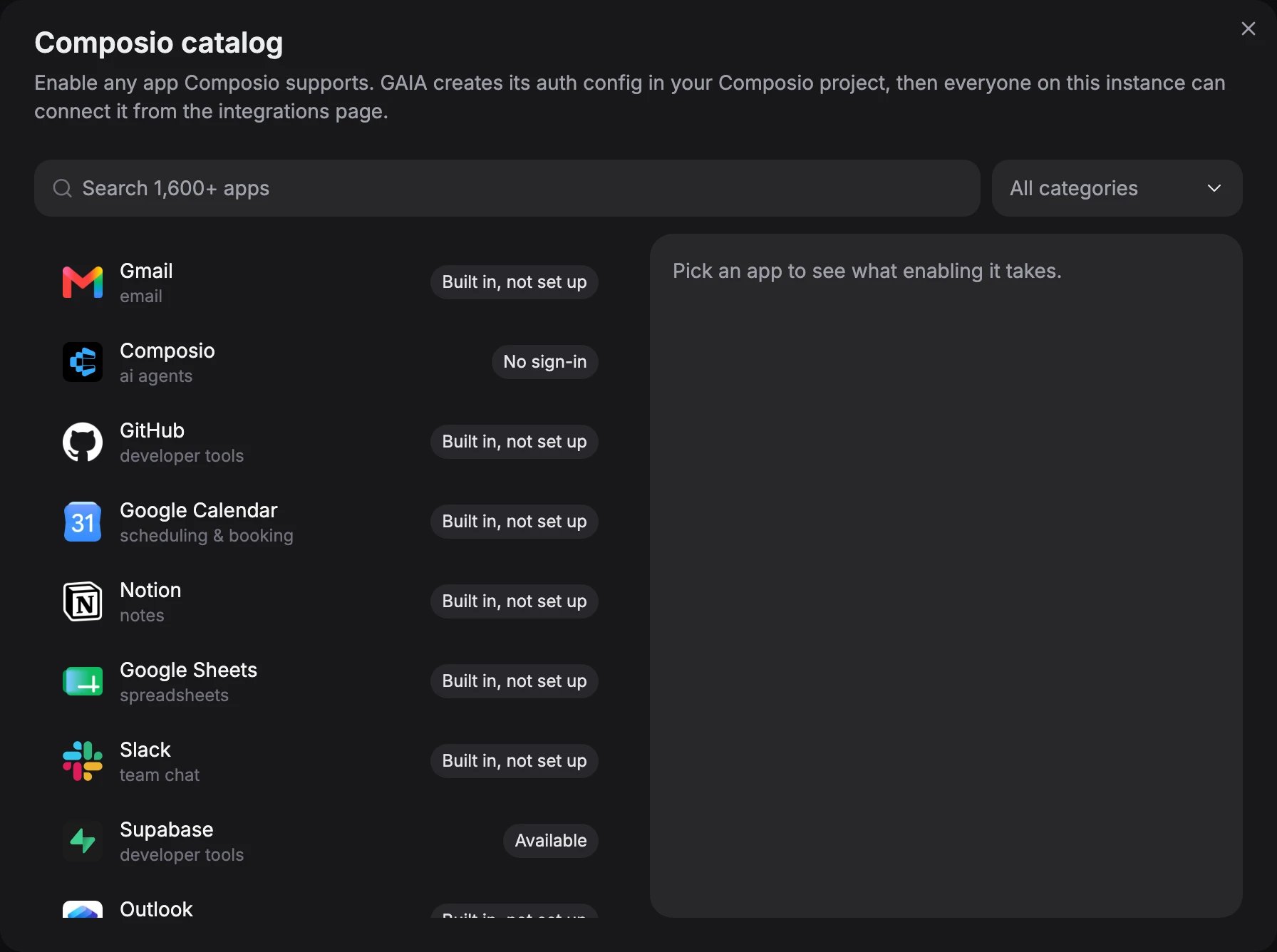
The Composio catalog. Each app is marked Built in, Available or No sign-in
- Search for the app and pick it.
-
Follow what the catalog says:
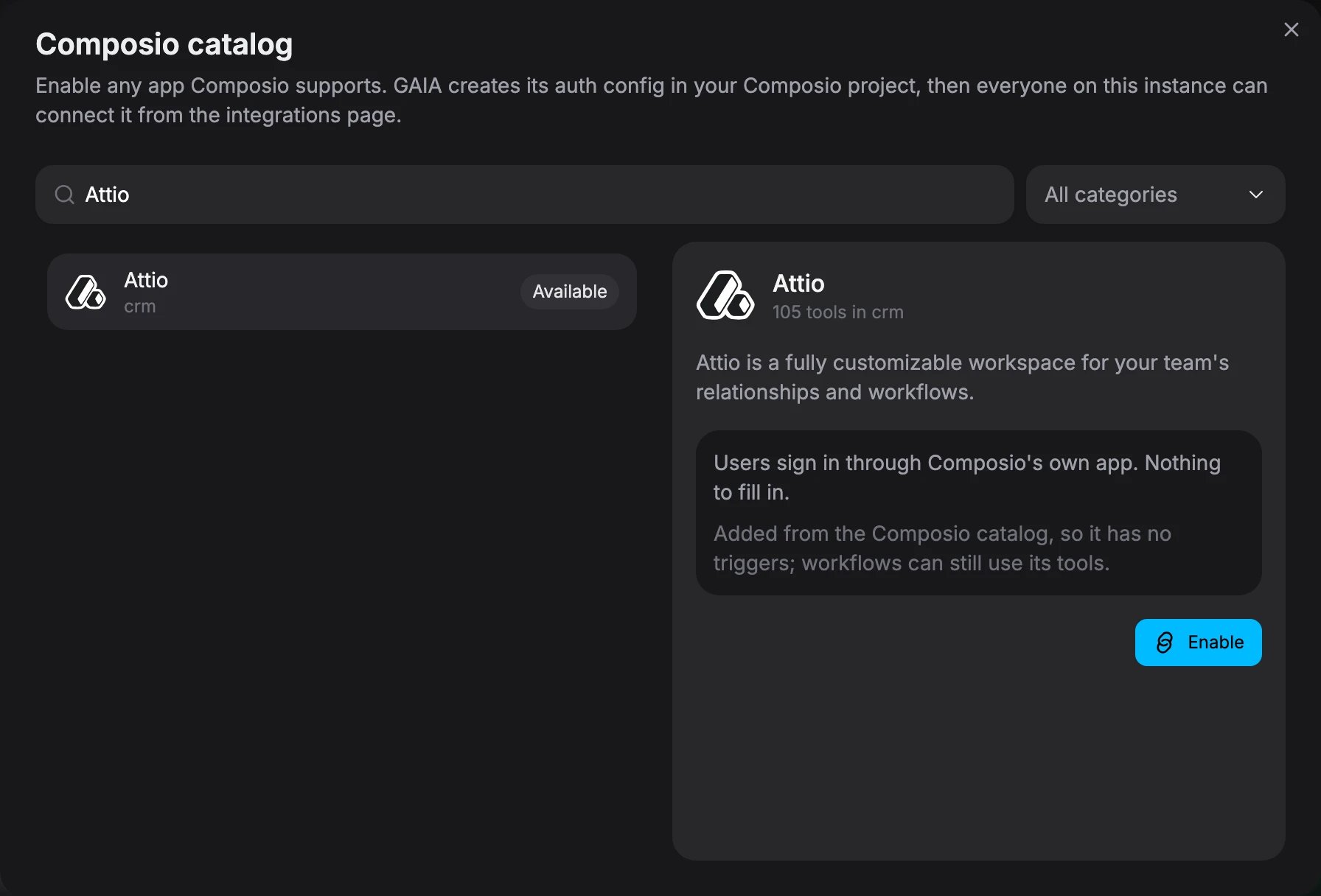
Attio picked from the catalog: its users sign in through Composio, so there is nothing to fill in
- Click Enable.
How catalog apps differ from built-in ones
How catalog apps differ from built-in ones
Apps that need no sign-in, such as Hacker News, show No sign-in and can’t be enabled yet.To remove an app, open it in the catalog and click Remove. Its auth config and your users’ connections stay in Composio, so delete them there.
Set auth configs from the environment
Set auth configs from the environment
If you manage configuration in files, set An id saved in Settings → Integrations setup wins. The instance refuses to start if this names an integration that doesn’t use Composio, or gives an empty id. Catalog apps are configured in the app only.
COMPOSIO_KEY and map built-in integration ids to auth config ids:Troubleshooting
Want to connect MCP servers instead? See MCP servers.